

The Best UX Design Principles for Beginners to Build Amazing Apps
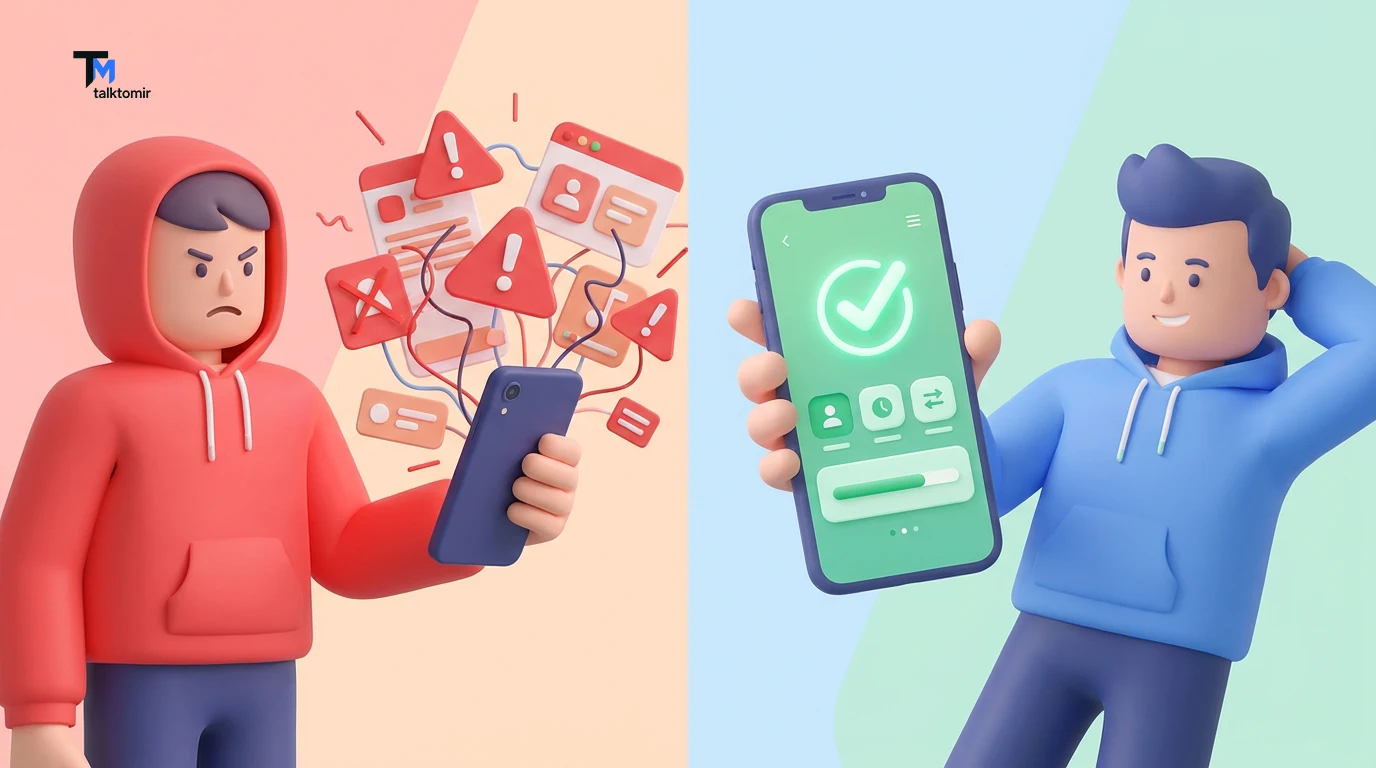
Have you ever downloaded a brand-new app, opened it up, and instantly felt entirely lost? Maybe you were just trying to order a pizza or book a doctor’s appointment, but the buttons were hidden, the text was confusing, and every tap felt like a guess. You probably closed the app, deleted it, and went straight to a competitor. We have all been there. And as frustrating as that experience is for a user, it is an absolute nightmare for the business that built the app.
Why do some apps feel like a chaotic maze, while others—like Spotify, Airbnb, or Google Maps—feel like they can read your mind? The secret isn’t magic. It is a strict adherence to core UX Design (User Experience Design) principles. If you are just starting your journey in the tech and design world, learning how to make things “look pretty” is only half the battle. To build digital products that people genuinely love, you need to understand how the human brain works.
In this comprehensive guide, we are going to dive deep into the best UX Design principles for beginners. No confusing tech jargon, no overwhelming theories—just highly practical, human-centered rules that will instantly upgrade the way you build digital experiences.
What Actually is UX Design?
Before we jump into the principles, let’s quickly define what we are talking about.
UX Design stands for User Experience Design. It is the analytical, logical, and deeply psychological process of enhancing customer satisfaction by improving the usability, accessibility, and pleasure provided in the interaction with a product. To put it simply: UX Design is how a product feels and works.
While UI (User Interface) focuses on the colors, typography, and visual aesthetics, UX Design is the invisible skeleton underneath. It dictates where a button should go so that it’s easy to reach, how many steps it should take to check out, and how to prevent the user from making a frustrating mistake. Now that we are on the same page, let’s explore the golden rules of UX Design.
Principle 1: Empathy (Design for the User, Not for Yourself)
If you only remember one thing from this entire article, let it be this: You are not your user.
When beginners start learning UX Design, they often fall into the trap of designing things that they think look cool. They hide navigation menus behind complex gestures or use tiny, ultra-thin fonts because it looks modern and edgy.
But your job isn’t to create modern art; your job is to solve a problem. To design a great product, you must practice empathy. You have to step into the shoes of the person using your app. Are they an elderly person trying to read small text? Are they a busy mother trying to quickly order groceries with one hand while holding a baby in the other?
How to apply this:
-
Do user research: Talk to the actual people who will use your app.
-
Create user personas: Invent a fictional character that represents your target audience and design specifically for their needs.
-
Ask “Why?”: Before adding a new feature, ask yourself, “Does the user actually need this, or do I just want to build it because it looks cool?”
Principle 2: Consistency is King (Jakob’s Law)
There is a famous rule in UX Design known as Jakob’s Law, coined by user advocate Jakob Nielsen. It states: “Users spend most of their time on other sites. This means that users prefer your site to work the same way as all the other sites they already know.”
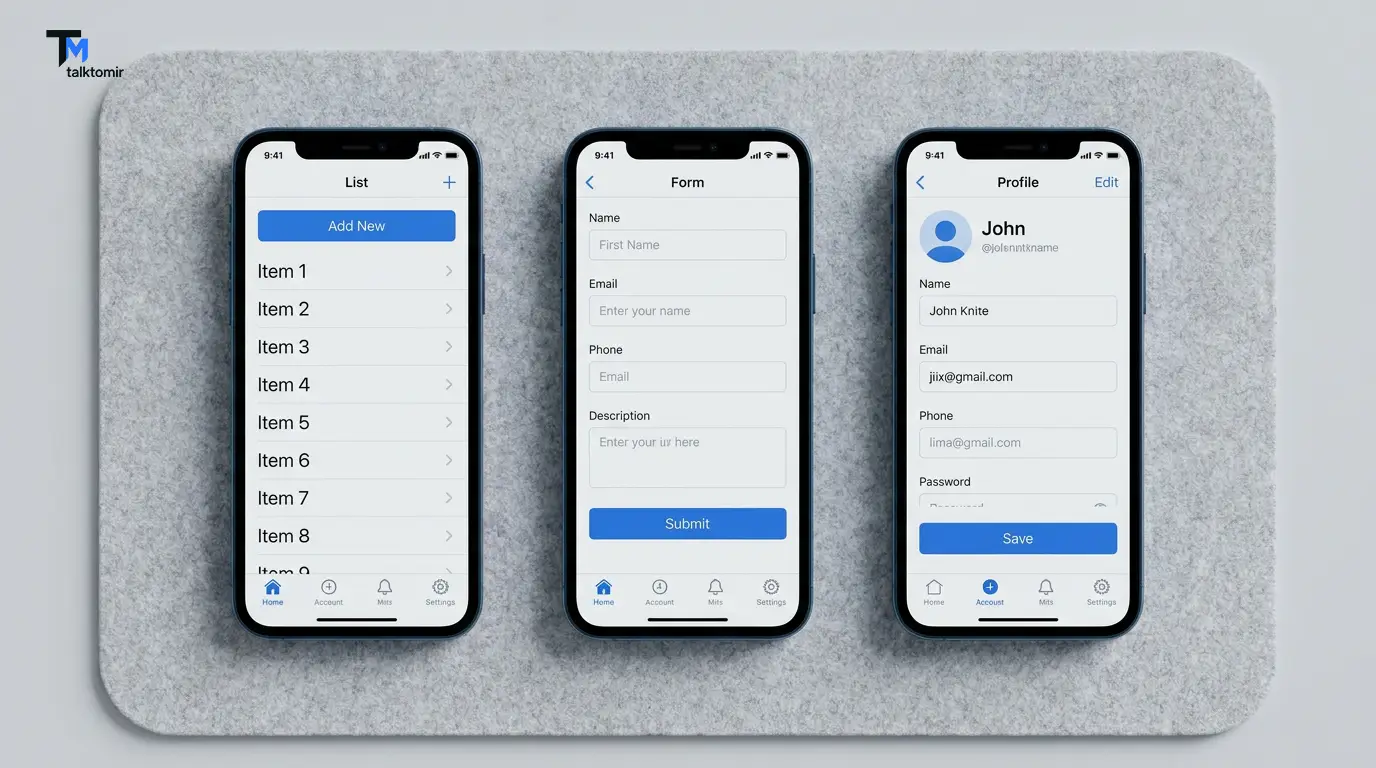
Humans are creatures of habit. When we see a magnifying glass icon, we expect a search bar. When we see three horizontal lines (a hamburger menu), we expect a navigation drawer to slide out. When we see a shopping cart icon in the top right corner, we expect to see the items we are buying. Beginners often try to reinvent the wheel to stand out. Don’t do this. If you put your shopping cart icon in the bottom left corner, you aren’t being innovative—you are just confusing your user.
How to apply this:
-
Visual Consistency: Keep your fonts, colors, and button styles the exact same across every single page of your app.
-
Functional Consistency: If swiping right deletes an item on one page, swiping right should do the exact same thing on every other page.
-
External Consistency: Stick to industry standards. Use universally recognized icons for home, settings, profile, and search.
Principle 3: Less is More (Hick’s Law)
Have you ever gone to a restaurant with a 20-page menu? You probably sat there for fifteen minutes, completely overwhelmed, unable to decide what to eat.
This psychological phenomenon is called Hick’s Law. It states that the more choices you give a person, the longer it will take for them to make a decision. In the digital world, if it takes too long to make a decision, the user simply leaves. In UX Design, simplicity is your best friend. Every time you add an extra button, a new image, or a block of text, you are adding “cognitive load” (brain power) required to use your app.
How to apply this:
-
Declutter your screens: Only show the user exactly what they need to see at that specific moment.
-
Break down complex tasks: If you have a long checkout form with 20 questions, break it up into four short screens with 5 questions each. It feels much less intimidating.
-
Embrace negative space: Don’t be afraid of empty white space. It gives your design room to breathe and helps the user focus on the important elements.
Principle 4: Establish a Clear Visual Hierarchy
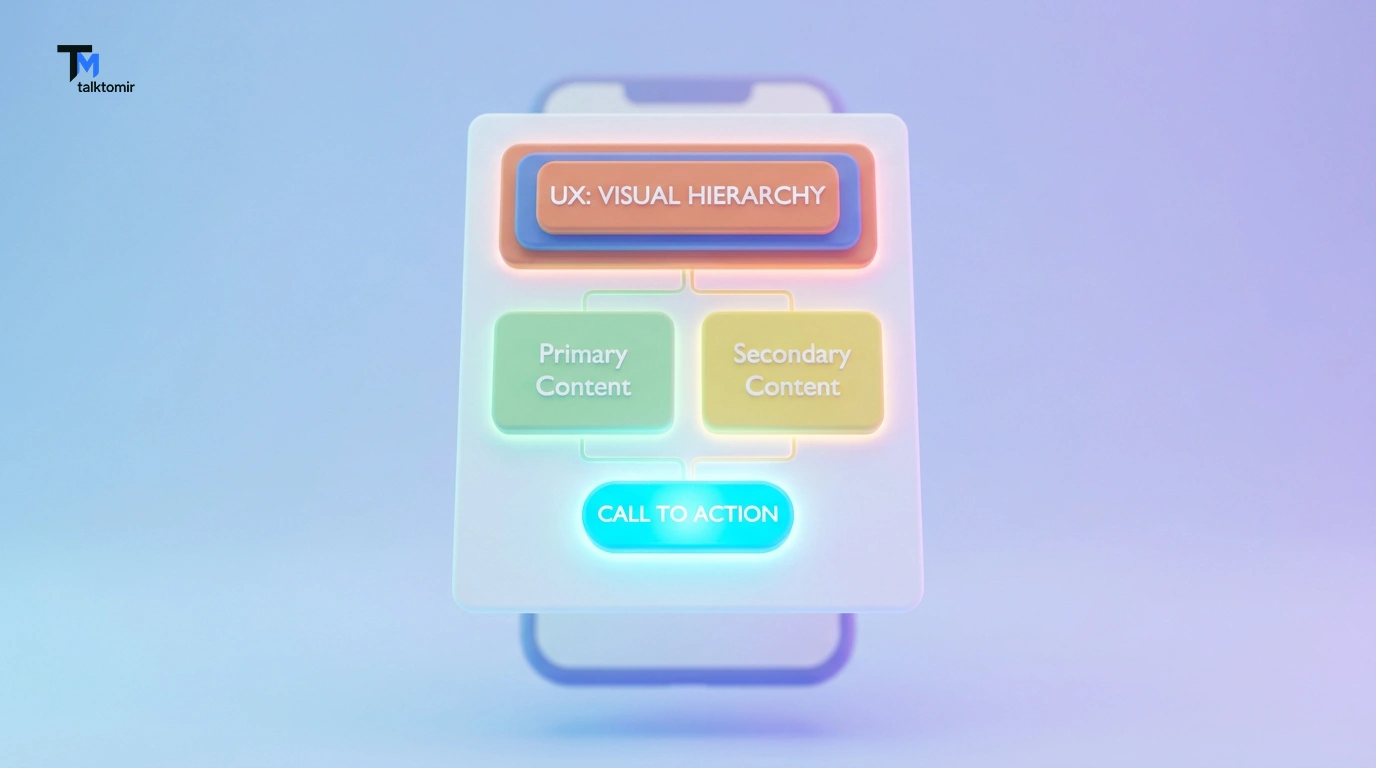
Visual hierarchy is the way you arrange and present elements on a screen to imply their importance. It is how UX designers magically guide your eyes exactly where they want them to go without you even realizing it.
When a user opens a webpage, they don’t read it like a book. They scan it. Studies show that users typically scan screens in an “F” pattern (for text-heavy pages) or a “Z” pattern (for visual-heavy pages).
Your design should instantly tell the user: Look here first, look here second, click this third.
How to apply this:
-
Size matters: Make the most important elements (like a headline or a “Buy Now” button) the largest on the screen.
-
Use contrast: If your background is white, a bright orange Call-to-Action (CTA) button will instantly grab the user’s attention.
-
Typography levels: Use bold, large fonts for H1 headers, medium fonts for subheaders, and smaller, lighter fonts for body text.
Principle 5: Accessibility is Not Optional
A great UX Design is inclusive. It ensures that everyone—including people with visual, hearing, motor, or cognitive disabilities—can use your product successfully.
For a long time, accessibility was treated as an afterthought in the tech world. Today, it is a fundamental requirement. If your app uses light gray text on a white background, it might look highly aesthetic and modern to you, but a user with visual impairments won’t be able to read a single word.
How to apply this:
-
Color contrast: Ensure there is a high contrast between your text and your background. (Tools like the WebAIM contrast checker are great for this).
-
Don’t rely only on color: If an error happens, don’t just turn the text box red (colorblind users might not see it). Add a warning icon and a clear text message explaining the error.
-
Readable typography: Keep your base font size at a minimum of 16px for comfortable reading on mobile devices.
Principle 6: Provide Immediate Feedback
Imagine walking up to an elevator, pressing the button, and the button doesn’t light up. You would probably stand there wondering, “Did it work? Is the elevator broken? Should I press it again?”
The digital world works exactly the same way. When a user interacts with your app, the system must immediately acknowledge that interaction. If a user taps a button and nothing happens for three seconds, they will rapidly tap it five more times, which could crash your app or result in accidental duplicate purchases.
How to apply this:
-
Micro-interactions: When a user taps a button, make it change color slightly or shrink to show it was clicked.
-
Loading states: If the app needs a few seconds to process data, show a spinning wheel or a skeleton loading screen so the user knows the app isn’t frozen.
-
Success and Error messages: When a user fills out a form, show a clear green “Success!” banner, or a helpful red message explaining exactly what they did wrong.
Principle 7: Let the User Control and Correct Mistakes
Humans make mistakes constantly. We accidentally delete emails, click the wrong links, and mistype our own passwords. Good UX Design anticipates these human errors and provides a safety net.
A frustrating app makes the user feel stupid for making a mistake. A brilliant app says, “Oops, no problem! Here is how we fix it.”
How to apply this:
-
The “Undo” Button: This is one of the greatest UX features ever invented. Always give users a way to reverse an accidental action (like restoring a deleted file).
-
Confirmation dialogs: If a user is about to do something permanent (like deleting their entire account), trigger a pop-up that asks, “Are you absolutely sure you want to do this?”
-
Easy navigation: Always include a clearly visible “Back” button so users can easily return to the previous screen if they took a wrong turn.
Wrapping Up: Master UX Design by Staying Curious
Learning UX Design is a lifelong journey. The technology we use changes every single day, but human psychology remains incredibly consistent. By mastering these beginner principles—empathy, consistency, simplicity, visual hierarchy, accessibility, and feedback—you will be lightyears ahead of most novice designers.Remember, the goal isn’t to build a product that looks like it belongs in a museum. The goal is to build a product that solves a real problem, for real people, as effortlessly as possible. When you focus on the user, the beautiful design and the business success will naturally follow.
Let’s Connect & Create Together! 👋
Did you find these UX Design principles helpful? Which principle do you think is the most important when building an app? I’d love to hear your thoughts!
At Talk to Mir, I specialize in turning complex ideas into realistic, human-centered digital experiences. From intuitive UX wireframes to stunning UI product designs, let your product talk—I’ll design the voice.
Let’s keep the conversation going:
-
🌐 Explore my portfolio and services: talktomir.com
-
👍 Follow me on Facebook: Talk to Mir on Facebook
-
📸 Catch my latest designs on Instagram: @talkto_mir