
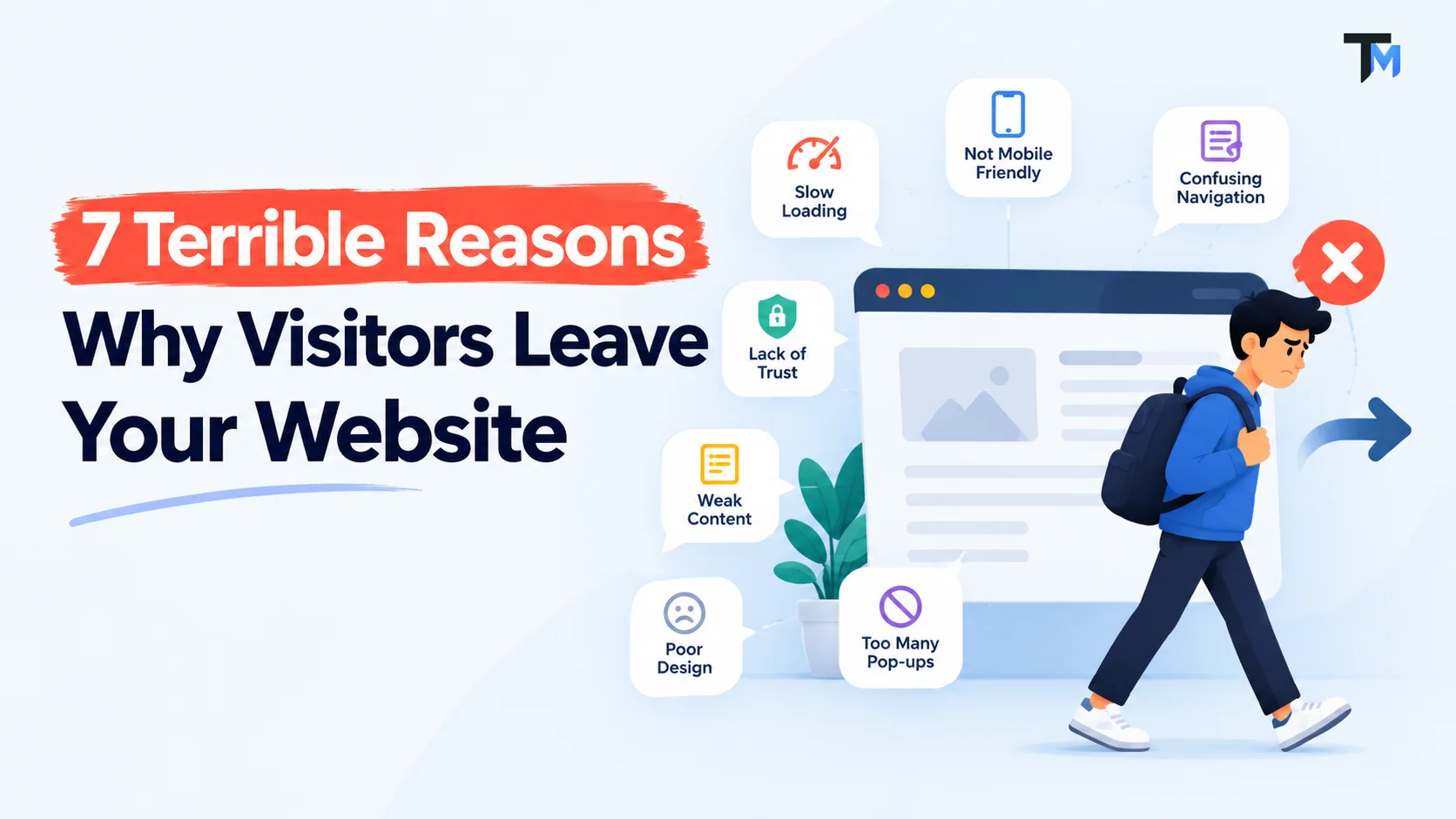
7 Terrible Reasons Why Visitors Leave Your Website
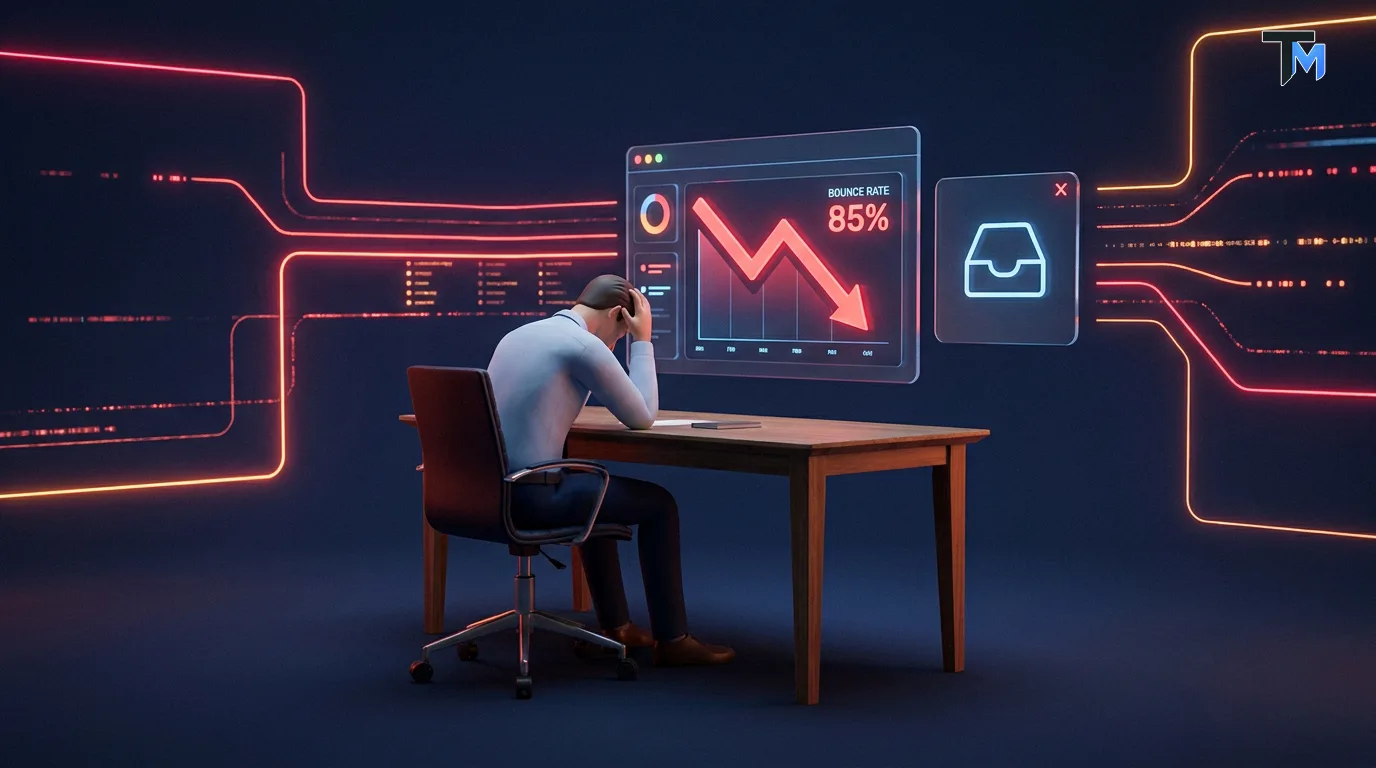
Imagine this scenario: You wake up, grab a cup of coffee, and check your website analytics. You are thrilled to see that your traffic is up! Hundreds of people are landing on your homepage. You excitedly open your email inbox, expecting to see a flood of new leads, consultation requests, and sales. But your inbox is completely empty. You find yourself staring at the screen, asking a very frustrating question: Why do so many people visit my site, only to vanish into thin air?
This phenomenon is incredibly common, and it is a nightmare for business owners. You spend your hard-earned money on Google Ads, you spend hours creating social media content, and you work tirelessly on SEO to drive traffic. But despite all that effort, visitors leave your website without ever clicking the “Contact Us” button or making a purchase. When visitors leave your website abruptly, it is known in the tech world as a high “bounce rate.” Every time this happens, you are essentially leaving money on the table. If you want your business to grow, you cannot afford to ignore this problem.
The harsh truth is that when visitors leave your website without taking action, it usually has absolutely nothing to do with the quality of your actual product or service. Instead, it has everything to do with your User Experience (UX) and User Interface (UI) design. In this comprehensive, ultimate guide, we are going to dive deep into the psychology of web design. We will uncover the 7 terrible reasons why visitors leave your website without contacting you, and more importantly, give you the exact, actionable steps you need to fix these issues immediately.
Let’s turn those disappearing visitors into loyal, paying clients!
Reason 1: Horrible Loading Speeds
We live in an era of instant gratification. If you want to know the number one, most common reason why visitors leave your website, look no further than your page loading speed.
Human patience on the internet is virtually non-existent. Studies have consistently shown that if a webpage takes more than three seconds to load, over 53% of visitors leave your website immediately. Let that sink in. Half of the people you paid to bring to your site are gone before they even see your logo.
When your site is slow, visitors leave your website because it creates instant frustration. Psychologically, a slow website gives the impression that your business is outdated, unprofessional, or that the site is completely broken. Why would a customer trust you to handle their business efficiently if your own website cannot even load efficiently?
The Fix: How to Stop Slow Speeds from Ruining Your Traffic
To stop the terrible cycle where visitors leave your website due to lag, you must optimize your performance.
-
Compress Your Images: Massive, high-resolution image files are the biggest culprits of slow websites. Use modern, lightweight formats like WebP or use compression tools like TinyPNG before uploading photos.
-
Upgrade Your Hosting: If you are paying $2 a month for shared hosting, your site is going to be slow. Invest in premium, dedicated hosting.
-
Minimise Heavy Code: Remove unnecessary plugins, pop-ups, and heavy animations that bog down your server. When your site is lightning fast, far fewer visitors leave your website.
Reason 2: Confusing, Labyrinth-Like Navigation (Bad UI/UX)
Have you ever walked into a massive department store looking for a specific item, only to find that the aisles have no signs, the layout makes no sense, and there are no employees to help you? You probably got frustrated and walked out.
The digital equivalent of this happens every day, and it is a massive reason why visitors leave your website. When a potential client lands on your homepage, they are usually looking for specific information: What do you do? How much does it cost? How do I contact you? If they cannot find the answers to those questions within a few seconds, visitors leave your website. Bad navigation creates “cognitive overload,” meaning the user has to think too hard to use your site. If your menu is cluttered with 20 different links, or if you hide your contact page under a weird, clever name instead of just calling it “Contact Us,” visitors leave your website out of pure annoyance.
The Fix: Create “Don’t Make Me Think” Navigation
Great UI/UX design is invisible; it feels natural. If you want to ensure that fewer visitors leave your website, you must simplify their journey.
-
Keep the Main Menu Clean: Your top navigation bar should only have 5 to 7 essential links (e.g., Home, About, Services, Portfolio, Contact).
-
Use Universal Terminology: Don’t try to be overly creative with your menu titles. If a user is looking for your prices, they are looking for the word “Pricing.” If you name that page “Our Investment Philosophy,” visitors leave your website because they missed it.
-
Add a Search Bar: For content-heavy sites, a prominent search bar prevents frustration and stops the scenario where visitors leave your website empty-handed.

Reason 3: No Clear Call to Action (CTA)
Imagine a salesperson giving an amazing, passionate presentation about a product, but when they finish, they just stare at the customer silently and walk away without asking for the sale. The customer would be incredibly confused.
If your website does not have a clear, highly visible Call to Action (CTA), you are doing the exact same thing, and this is exactly why visitors leave your website. A Call to Action is the specific instruction you give your audience to take the next step. It is the glowing button that says “Get a Free Quote,” “Book a Consultation,” or “Buy Now.”
Many business owners assume that if a visitor likes their services, the visitor will naturally take the time to hunt down their email address and reach out. This is a terrible assumption. If you don’t explicitly tell them what to do next, visitors leave your website. When the next step is unclear, visitors leave your website because they feel no sense of urgency or direction.
The Fix: Guide the User with Confidence
A great User Experience gently holds the user’s hand and guides them to the finish line.
-
Make it Visually Striking: Your CTA button should be a completely different, high-contrast color from the rest of your website so it instantly draws the eye.
-
Use Action-Oriented Words: Instead of a boring button that just says “Submit,” use exciting, benefit-driven text like “Start Your Free Trial” or “Let’s Build Your App.”
-
Repeat the CTA: Don’t just put the button at the very top and forget about it. Place your CTA at the top, in the middle, and at the bottom of the page. If a user scrolls to the bottom and has to scroll all the way back up to find the contact button, visitors leave your website out of laziness
Reason 4: A Terrible Mobile Experience
We are living in a mobile-first world. Today, well over 50% of all global internet traffic comes from smartphones. Yet, it is shocking how many business websites are still only designed for massive desktop monitors.
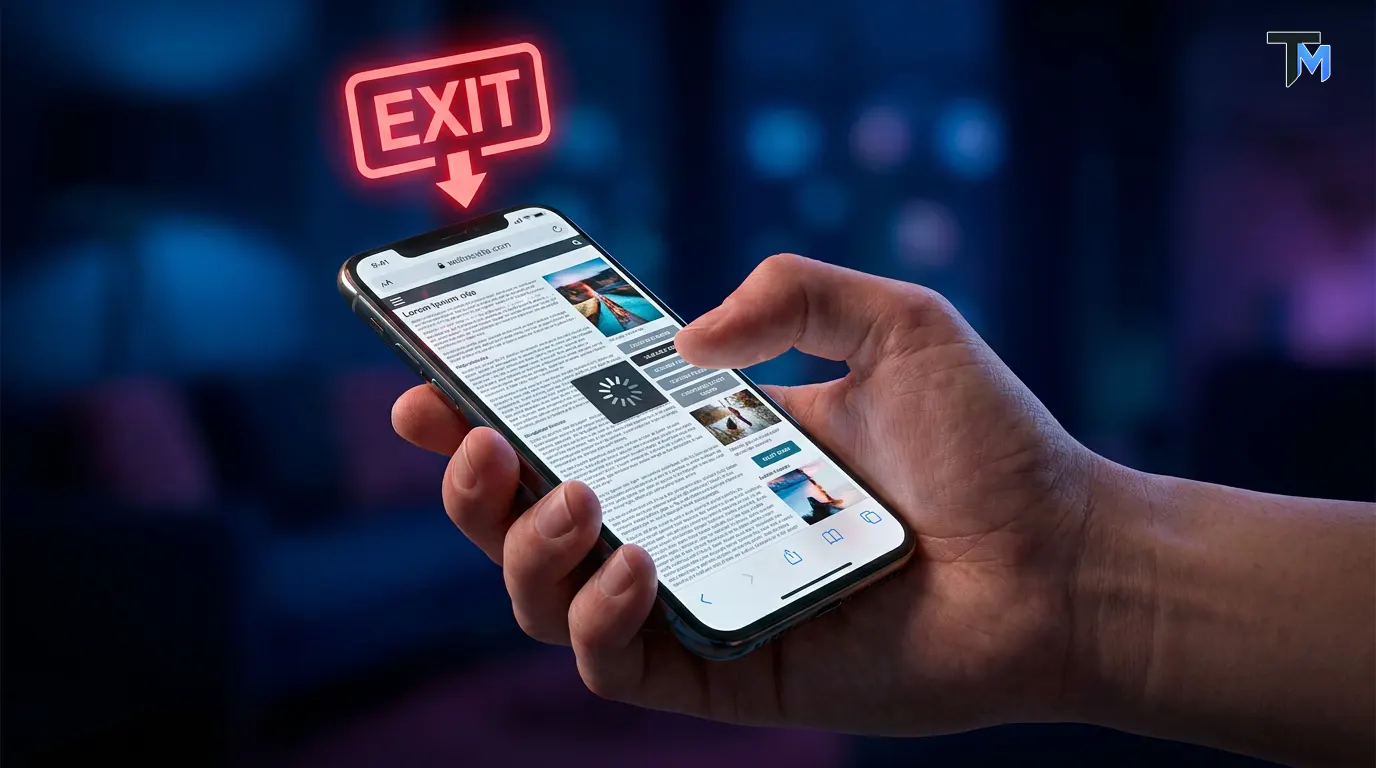
If your website is not flawlessly optimized for a mobile phone, visitors leave your website within the first two seconds. A terrible mobile experience involves text that is so tiny the user has to pinch and zoom to read it. It involves buttons that are placed so closely together that the user accidentally taps the wrong link (known as “fat-finger syndrome”). It involves massive images that bleed off the edge of the screen, forcing the user to scroll sideways.
When a user has to fight with your mobile layout just to read a sentence, visitors leave your website and run straight to a competitor who has a responsive design. If your site looks broken on an iPhone, visitors leave your website permanently.
The Fix: Embrace Mobile-First UI/UX Design
To stop the massive leak where mobile visitors leave your website, you must design for the human thumb.
-
Responsive Design: Ensure your website builder or developer is using a responsive framework that automatically adapts to any screen size, whether it is an iPad, an Android phone, or a massive 4k monitor.
-
Thumb-Friendly Navigation: Place your most important buttons (like the menu and the CTA) near the bottom or centre of the screen, where a user’s thumb naturally rests while holding a phone one-handed.
-
Readable Typography: Your mobile font size should be at least 16px. If they have to squint, visitors leave your website.
Reason 5: Lack of Trust and Missing Social Proof
When a stranger lands on your website for the first time, their internal defence mechanisms are on high alert. The internet is full of scams, unreliable companies, and low-quality products.
If your website does not immediately establish trust and authority, visitors leave your website out of fear and scepticism. What destroys trust? An outdated design that looks like it was built in 2005 is a massive red flag. Broken links, spelling errors, and a missing SSL certificate (that little padlock icon next to your URL that proves your site is secure) are all terrible mistakes. If their browser warns them that “This Website is Not Secure,” visitors leave your website faster than you can blink.
Furthermore, if you claim to be the best in your industry but have absolutely no reviews, testimonials, or case studies to prove it, visitors leave your website because they have no reason to believe you.
The Fix: Build Unshakable Digital Credibility
You must prove your worth the second they arrive. If you provide strong social proof, far fewer visitors leave your website without reaching out.
-
Showcase Client Testimonials: Add a dedicated section featuring real reviews from happy clients. Video testimonials are even more powerful.
-
Display Logos of Past Clients: If you have worked with notable brands or businesses, display their logos prominently on your homepage. “As Seen On” or “Trusted By” sections instantly validate your business.
-
Ensure SSL Security: Contact your hosting provider and ensure your website has an active SSL certificate. If the connection isn’t secure, visitors leave your website immediately to protect their data.
Reason 6: Overwhelming Walls of Text
Here is a harsh reality check about how people consume digital content: People do not read websites; they scan them.
When a user lands on your homepage, their eyes dart around looking for bold headlines, bullet points, and images to quickly determine if you can solve their problem. If they are greeted by a massive, endless block of dense, academic text with no line breaks, visitors leave your website instantly.
We call this “visual fatigue.” The human brain looks at a giant wall of text and automatically decides that it is going to require too much energy to read. Instead of putting in the effort, visitors leave your website.
If you are writing a novel on your homepage about the 20-year history of your company, you are committing a terrible UX mistake. Users care about one thing: How can you solve my problem right now? If they cannot scan your page to find that answer, visitors leave your website.
The Fix: Format for Scannability and Engagement
You need to design your content for the busy, modern reader so that fewer visitors leave your website.
-
Embrace White Space: Negative space (empty space around text and images) is your best friend. It gives the design room to breathe and makes text vastly easier to read.
-
Use Bold Headlines: Break up your content with clear H2 and H3 headings. A user should be able to understand your entire pitch just by reading the bold headlines.
-
Utilize Bullet Points: Lists are visually pleasing and incredibly easy to digest.
-
Keep Paragraphs Short: Never write a paragraph longer than three or four sentences. If the text looks light and breezy, fewer visitors leave your website.
Reason 7: Overly Complicated Contact Forms
Imagine that a user has successfully navigated your site, they love your services, they trust your social proof, and they finally click the “Contact Us” button. You are seconds away from getting a new lead!
But then, the contact page loads, and they are faced with a massive, intimidating form with 15 required fields. You are asking for their first name, last name, phone number, home address, company size, budget, and how they heard about you.
What happens next? Visitors leave your website. Form abandonment is one of the most tragic reasons why visitors leave your website. When a user is just trying to ask a simple question, forcing them to fill out an exhaustive questionnaire feels like an interrogation. It feels like too much work, and in today’s privacy-focused world, people are highly hesitant to give out their phone numbers and physical addresses to a company they haven’t even spoken to yet.
If your form is a chore to complete, visitors leave your website at the very last second, which is the most painful time to lose them.
The Fix: Streamline the Connection Process
Your goal is to get your foot in the door, not to collect their entire life history on the first date.
-
Ask for the Bare Minimum: Limit your contact form to a maximum of 3 or 4 fields. Name, Email Address, and a Message box are usually all you need to start a conversation.
-
Remove Mandatory Phone Numbers: Unless your business absolutely requires a phone call to function, make the phone number field optional. Many millennials and Gen Z users hate phone calls, and if it is required, these visitors leave your website.
-
Offer Alternative Contact Methods: Some people hate forms entirely. Always include a direct email address link or a WhatsApp chat button for those who prefer alternative communication. Providing options ensures that fewer visitors leave your website without saying hello.
The Ultimate Conclusion: Stop the Leak and Start Growing
We have covered a massive amount of ground today, diving deep into the psychology of why visitors leave your website. From the absolute necessity of blazing-fast loading speeds, to the importance of mobile responsiveness, down to the psychology of simple contact forms—it is clear that a successful digital presence requires so much more than just a pretty template. When visitors leave your website without taking action, they are sending you a very clear, silent message: Your User Experience is broken.
But the good news is that every single one of these terrible mistakes is entirely fixable. By stepping into the shoes of your users, simplifying their journey, and prioritizing clean, intuitive UI/UX design, you can dramatically reduce the rate at which visitors leave your website. Your website should not be a leaky bucket. It should be a highly optimized, lead-generating machine that works for your business 24 hours a day, 7 days a week. By implementing the amazing secrets and fixes we discussed today, you will start to notice a profound shift.
Fewer visitors leave your website. More visitors click your buttons. And most importantly, your empty inbox will finally start filling up with the high-quality leads your business deserves!
Let’s keep the conversation going. Stay connected with my latest design tips, case studies, and digital magic here:
🌐 Explore My Portfolio & Services: talktomir.com
💼 Connect on LinkedIn: Mir Riyadh
👍 Follow me on Facebook: Talk to Mir on Facebook
📸 Catch my visual inspiration on Instagram: @talkto_mir
🎨 View my latest projects on Behance: Talk to Mir on Behance
🏀 See my design shots on Dribbble: Talk to Mir on Dribbble
🎵 Watch my short tech tips on TikTok: @talktomirr
If you found value in this post, please share it with a business owner or designer friend who wants to level up their digital business!