
What Makes a Good Website User Experience?
Think about the last time you visited a website that made you instantly want to click the “back” button. Maybe the website took ten seconds to load. Maybe you were bombarded with three different pop-up ads before you could even read the first sentence. Or perhaps the navigation menu was so incredibly confusing that you couldn’t find the product you were looking for.
That deep feeling of frustration you felt? That is the result of a terrible User Experience. On the flip side, think about your favorite websites. When you visit them, everything just flows. Finding information is effortless, checking out takes a matter of seconds, and the design looks absolutely amazing. You don’t have to think; your fingers just know exactly what to do. That is the magic of a flawless User Experience.
In today’s highly competitive digital landscape, having a website that just “looks pretty” is no longer enough. Your website is your digital storefront, your 24/7 salesperson, and the face of your brand. If the User Experience is poor, your potential customers will leave and go straight to your competitors.
But what exactly makes a website feel amazing? What separates a confusing website from a high-converting masterpiece? In this comprehensive ultimate guide, we are going to dive deep into exactly what makes a great website User Experience, and the amazing secrets you can use to transform your digital presence.
What Exactly is Website User Experience?
Before we get into the secrets, we need to clearly define our focus. User Experience (often abbreviated as UX) refers to the overall interaction and feeling a person has when they navigate and use your website. It encompasses absolutely everything on the screen. It is the speed at which the pages load, the logical structure of your menus, the readability of your fonts, the colors of your buttons, and the emotions your site evokes.
A good User Experience happens when a website fulfills the user’s exact needs in the most efficient, frictionless, and enjoyable way possible. A bad User Experience happens when a website creates obstacles, confusion, or annoyance. When you invest in optimizing the User Experience, you are essentially investing in customer satisfaction.
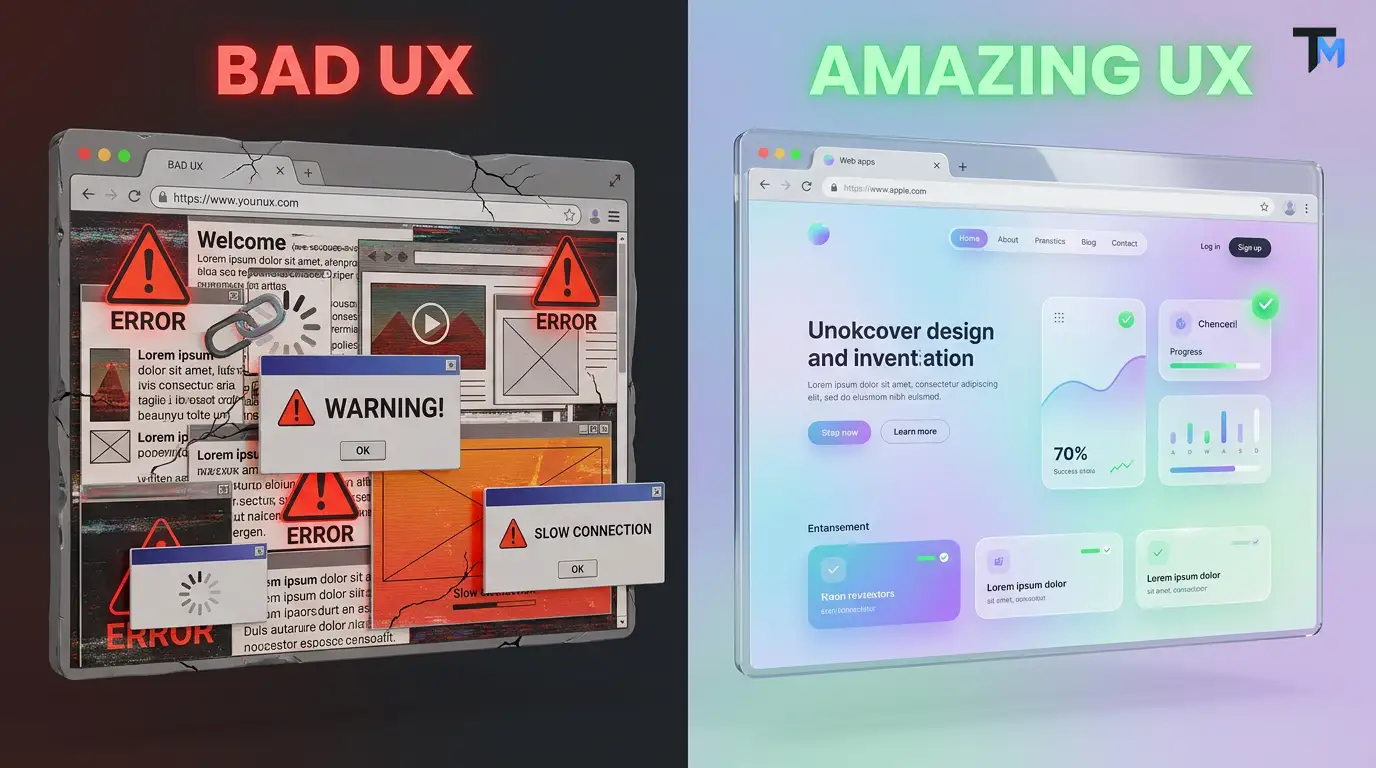
Why Does User Experience Matter So Much for Your Business?
You might be thinking, “My product is great! Do I really need to worry about all this design stuff?” The short answer is: Yes, absolutely. Ignoring your website’s User Experience is one of the most terrible mistakes a business owner can make.
Here is exactly why focusing on the User Experience is crucial to your success:
1. It Directly Impacts Your Conversion Rates
If a customer wants to buy your product, but the checkout process is incredibly complicated, they will abandon their cart. A seamless User Experience removes friction, making it ridiculously easy for users to subscribe, contact you, or make a purchase.
2. It Builds Unbreakable Brand Trust
If a website looks outdated, broken, or difficult to use, users will subconsciously assume your business is untrustworthy. A modern, polished User Experience makes your brand look highly professional and credible.
3. Google Loves a Good User Experience
Search engines like Google actively track how people interact with your website. If a user clicks your link, hates the User Experience, and immediately bounces back to the search results, Google will lower your ranking. Conversely, a fantastic User Experience keeps people on your site longer, boosting your SEO.
4. It Saves You Money in the Long Run
Redesigning a website after it has been fully built because the users hate it is incredibly expensive. Prioritizing the User Experience from the very beginning saves countless hours of developer time and resources.
Now that we understand the value, let’s explore the 7 amazing secrets to building an unforgettable website User Experience.
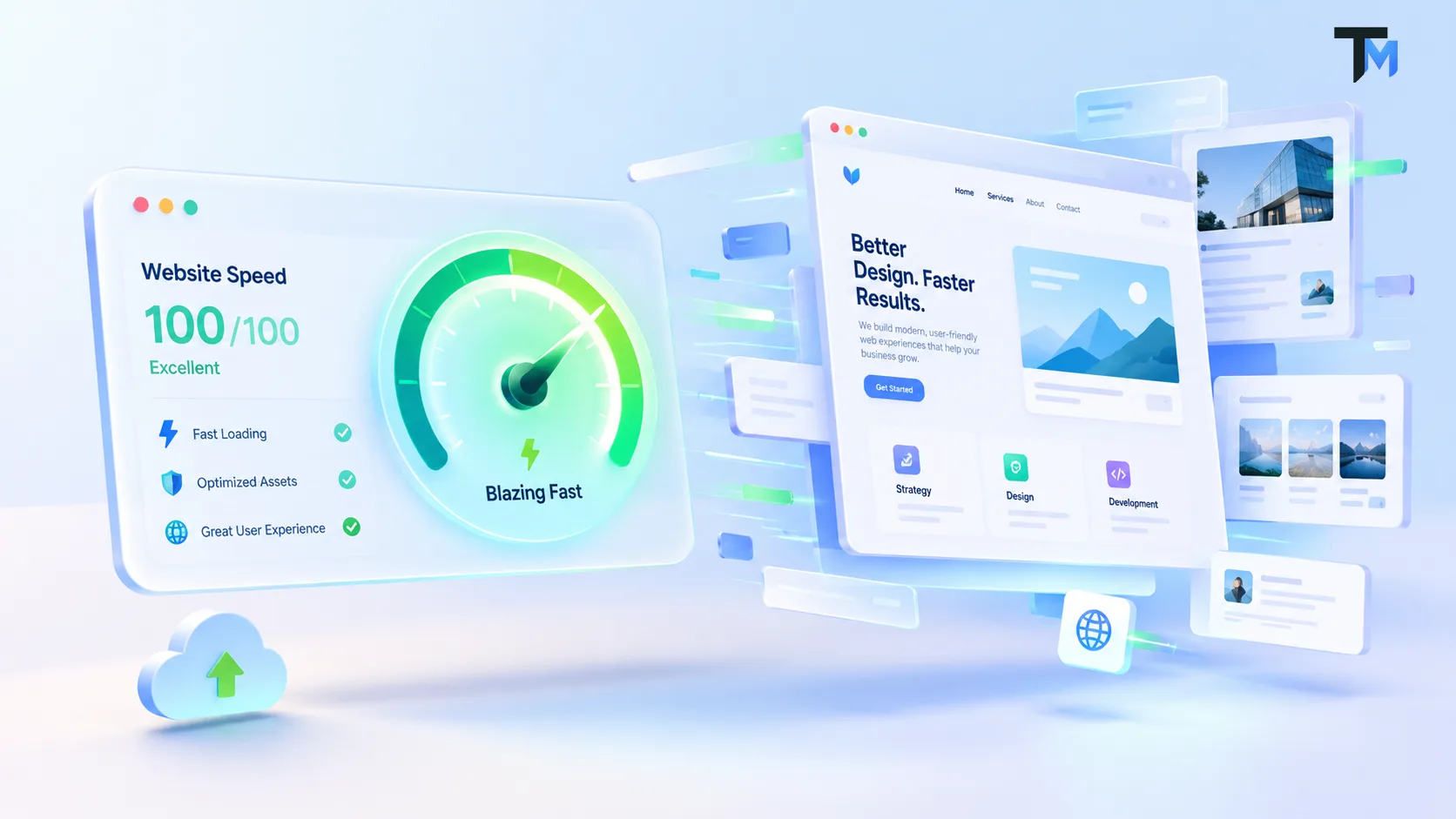
Secret 1: Blazing Fast Page Speed
The foundation of a good website User Experience is speed. We live in a world of instant gratification. Studies show that if a website takes more than three seconds to load, over 50% of users will abandon it.
You could have the most beautifully designed website in the world, but if the User Experience is ruined by a slow loading screen, nobody will ever stick around to see your gorgeous design.
A slow website creates immediate frustration and anxiety. It gives the impression that the site is broken or unprofessional.
How to optimize speed for a better User Experience:
-
Compress your images: Heavy, high-resolution photos are the number one cause of slow websites. Use modern formats like WebP to keep file sizes small without losing quality.
-
Minimize plugins: If you are using WordPress, having 40 different plugins running simultaneously will destroy your User Experience. Keep only what is absolutely necessary.
-
Use a Content Delivery Network (CDN): A CDN ensures that your website loads incredibly fast for users, regardless of where they are located in the world.
Secret 2: Intuitive, “Don’t Make Me Think” Navigation
Have you ever walked into a massive grocery store looking for milk, but the signs on the aisles made no sense? It is a terrible feeling. The same logic applies to digital spaces. A cornerstone of an amazing User Experience is intuitive navigation. The famous UX book Don’t Make Me Think by Steve Krug perfectly summarizes this rule. Your users should never have to stop and think about where to click next. The path to their goal should be painfully obvious.
If a user comes to your site to find your pricing, the word “Pricing” should be immediately visible in your main menu. If your navigation menu is buried, hidden, or confusing, the User Experience is completely broken.
How to build navigation for a perfect User Experience:
-
Keep the main menu simple: Limit your top navigation menu to 5-7 essential links.
-
Use familiar terminology: Don’t try to be overly clever. Use universal words like “About Us,” “Services,” and “Contact.” If you name your contact page “Send a Pigeon,” users might miss it.
-
Include a robust search bar: If your website has a lot of content, a highly visible search bar drastically improves the User Experience for users who know exactly what they want.
Secret 3: Flawless Mobile Responsiveness
We no longer just browse the web on massive desktop monitors. Today, over half of all global web traffic comes from mobile phones.
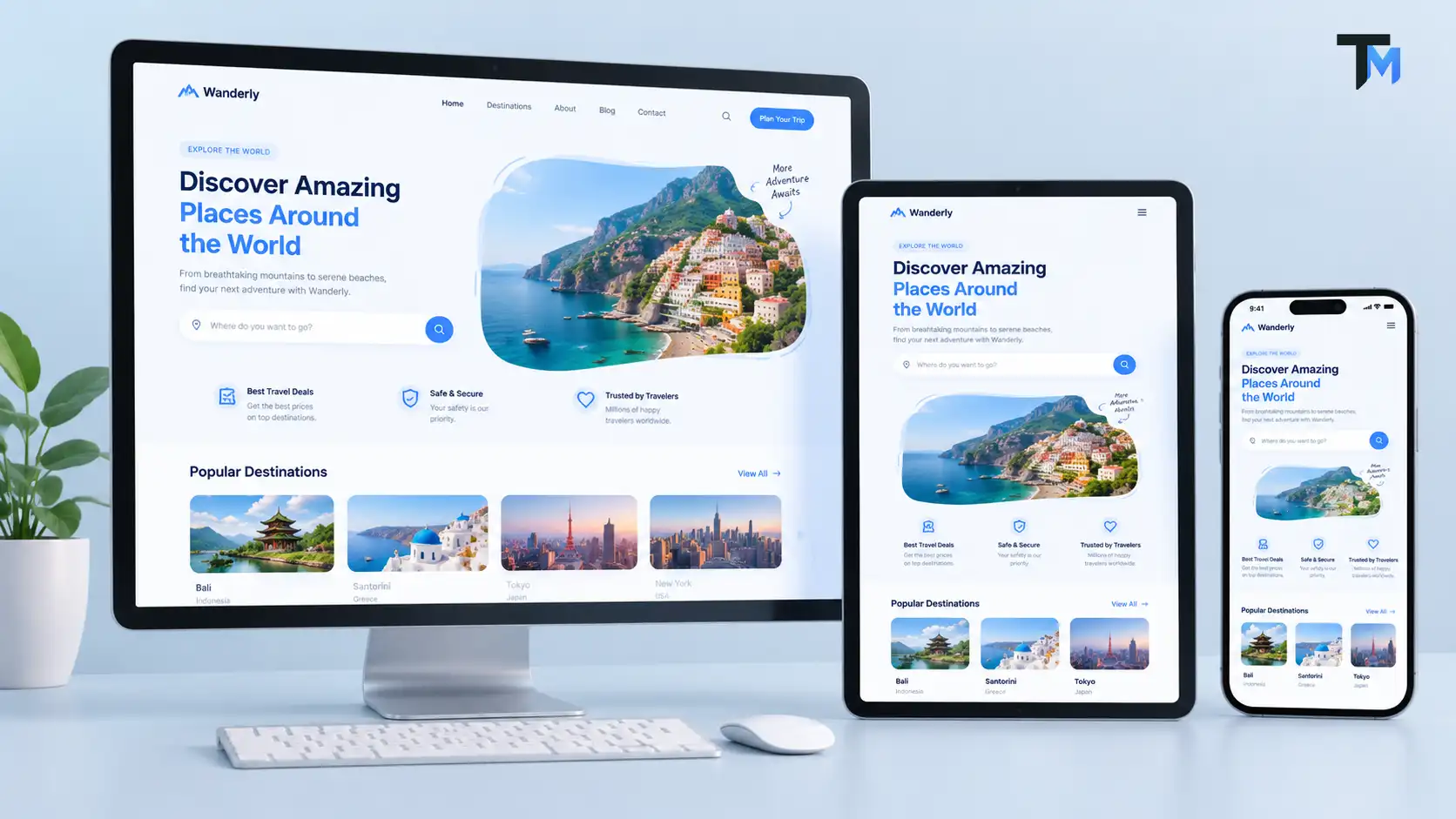
If your website looks amazing on a laptop but is a broken, unreadable mess on an iPhone, you are providing a terrible User Experience to 50% of your audience. Mobile responsiveness means your website automatically adapts, shrinks, and rearranges itself to fit perfectly on any screen size. But a truly great mobile User Experience goes beyond just shrinking things. It involves designing specifically for the human thumb.
How to ensure a great mobile User Experience:
-
Thumb-friendly design: Place important buttons (like “Add to Cart”) near the bottom of the screen where a user’s thumb naturally rests.
-
Legible text: Users should never have to pinch and zoom to read a paragraph on their phone. If they have to zoom, your User Experience has failed.
-
Adequate button spacing: Ensure there is enough space between links and buttons so users don’t accidentally tap the wrong thing.
Secret 4: The Power of White Space (Negative Space)
One of the biggest mistakes beginners make when building a website is trying to fill every single pixel of the screen with text, images, and buttons. They fear that empty space is wasted space. In reality, empty space (known in design as White Space or Negative Space) is one of the most powerful tools for improving the User Experience. White space allows your content to breathe.
It reduces cognitive overload, making it vastly easier for the human brain to process information. When you surround a headline or a button with plenty of empty space, you naturally draw the user’s eye exactly where you want it to go.
A cluttered website creates a stressful User Experience. A spacious website creates a relaxing, luxurious User Experience.
How to master white space for a better User Experience:
-
Break up large paragraphs: Nobody wants to read a massive wall of text. Break text into short paragraphs of 2-3 sentences.
-
Give elements room to breathe: Increase the padding and margins around your images, buttons, and text blocks.
-
Focus on visual hierarchy: Use space to separate different sections of your website, guiding the user logically down the page.
Secret 5: Engaging, Scannable Content
We have to accept a harsh truth about the internet: people do not read websites like they read books. They scan them.
When a user lands on your page, their eyes dart around looking for keywords, headlines, and bullet points to see if your site has the answer they need. If you present them with a dense academic essay, you are delivering a poor User Experience.
The way you format your text is just as important as the words themselves. Creating scannable, engaging content is a vital part of the overall User Experience.
How to format content for an amazing User Experience:
-
Use bold and descriptive headlines: Your headings (H1, H2, H3) should clearly summarize the section below them.
-
Utilize bulleted lists: Lists (just like this one) make complex information incredibly easy to digest and improve the User Experience.
-
Keep the language simple: Write in a conversational, humanized tone. Avoid overly complex industry jargon unless your target audience specifically demands it.
Secret 6: Clear and Compelling Calls to Action (CTAs)
Every single page on your website should have a specific goal. Do you want the user to buy a product? Subscribe to a newsletter? Book a consultation? The button or link that tells the user to take this action is called a Call to Action (CTA). If your CTAs are hard to find, visually bland, or confusing, the user will leave without doing anything. This creates a dead-end User Experience.
A fantastic User Experience confidently holds the user’s hand and gently guides them toward the next step in their journey.
How to design CTAs for an optimal User Experience:
-
Make them visually striking: Your primary CTA button should be a high-contrast color that stands out from the rest of the page.
-
Use action-oriented text: Instead of a boring button that says “Submit,” use exciting, benefit-driven text like “Get Your Free Quote” or “Start Learning Today.”
-
Don’t overwhelm the user: If you place ten different buttons with ten different goals on one page, the user will experience decision paralysis. Keep the choices limited for a smoother User Experience.
Secret 7: Accessibility and Inclusivity
An often overlooked but absolutely essential part of a great User Experience is accessibility. A truly amazing website must be usable by everyone, including individuals with visual, auditory, motor, or cognitive disabilities.
If a user with colorblindness cannot read the text on your website because the contrast is too low, you are completely excluding them from your digital experience. Building an accessible website is not just an ethical obligation; it is a fundamental pillar of professional User Experience design.
How to improve accessibility for a universal User Experience:
-
High color contrast: Ensure there is a strong contrast between your background colors and your text colors. Light gray text on a white background is a User Experience nightmare.
-
Alt text for images: Always add descriptive “alt text” to your images so screen readers can describe the photos to visually impaired users.
-
Keyboard navigation: Ensure that a user can navigate through your website using only the “Tab” key on their keyboard.
How to Test and Evaluate Your Website User Experience
You can follow all these secrets perfectly, but the only way to truly know if your website has a good User Experience is to test it with real human beings.
As the creator of the website, you are naturally biased. You know exactly where all the buttons are. But a first-time visitor does not. To ensure your User Experience is truly flawless, you must observe how strangers interact with your design.
-
Heatmaps: Use tools like Hotjar or CrazyEgg to see exactly where users are clicking and how far down the page they are scrolling.
-
A/B Testing: Create two different versions of a webpage (for example, one with a green button and one with a blue button) and test them to see which provides a better User Experience and higher conversions.
-
Ask for Feedback: Simply ask your customers! Send out a quick survey asking them how easy it was to use your website and what they would improve.
The Final Verdict: User Experience is Your Digital Heartbeat
We have covered a massive amount of ground today. From the absolute necessity of blazing-fast loading speeds to the psychological power of white space, it is clear that a website is so much more than just lines of code and pretty pictures. The User Experience (UX) is the heartbeat of your digital presence. When you prioritize the User Experience, you are telling your customers that you respect their time, value their business, and want to make their lives as easy as possible. You are transforming a frustrating, terrible digital chore into an amazing, memorable journey.
But creating an excellent User Experience doesn’t happen by accident. It requires careful planning, a deep understanding of your audience, and a commitment to continuous improvement. Every element of your website, from the placement of a navigation menu to the color of a call-to-action button, influences how visitors interact with your brand. A clean layout, readable typography, consistent design elements, and helpful content can make your website feel more professional, trustworthy, and enjoyable to use.
Accessibility is another important factor that should never be overlooked. Your website should be easy to navigate for people with different abilities, devices, and browsing preferences. Using readable font sizes, sufficient color contrast, descriptive button labels, and clear headings helps create a more inclusive experience. Similarly, providing useful error messages and simple forms can prevent unnecessary frustration and encourage visitors to complete their desired actions.
Remember that a successful website is not just about attracting visitors; it is about helping them achieve their goals. Whether someone wants to learn about your services, purchase a product, or contact your business, the journey should feel natural and straightforward. When users can find what they need without confusion, they are more likely to stay longer, explore your offerings, and return in the future.
Ready to Upgrade Your Digital Experience? Let’s Connect! 👋
Did you find this ultimate guide helpful? Designing a flawless website that converts visitors into loyal customers doesn’t have to be a nightmare. At Talk to Mir, I specialize in taking the stress out of digital design.
From deep user research and wireframing to stunning, high-converting product designs, I help businesses build digital experiences that people genuinely love using. Let your product talk—I’ll design the voice!
💬 I would love to hear your feedback! Please drop a comment below and tell me: What is the most frustrating thing you regularly experience on badly designed websites?
Let’s keep the conversation going. Stay connected with my latest design tips, case studies, and digital magic here:
🌐 Explore My Portfolio & Services: talktomir.com
💼 Connect on LinkedIn: Mir Riyadh
👍 Follow me on Facebook: Talk to Mir on Facebook
📸 Catch my visual inspiration on Instagram: @talkto_mir
🎨 View my latest projects on Behance: Talk to Mir on Behance
🏀 See my design shots on Dribbble: Talk to Mir on Dribbble
🎵 Watch my short tech tips on TikTok: @talktomirr
If you found value in this post, please share it with a business owner or designer friend who wants to level up their digital game!